Why Most Websites Don’t Need Google Analytics 4: A Practical Breakdown for 2026

SimpleTrack Team
Analytics Experts
Dec 18, 2025
Google Analytics 4 (GA4) has become the default analytics platform for millions of websites, but not because it’s simple or intuitive. In fact, for bloggers, creators, startups, and small businesses, GA4 is often too complex, too data-heavy, and too time-consuming to learn. The truth is, most websites in 2026 do not need enterprise-level behavioral modeling or machine-learning predictions—they just need clear, simple numbers: who visited, where they came from, and what they did. This article breaks down, in purely practical terms, why GA4 is unnecessary for most websites, what problems it creates, and what lightweight, privacy-first tools offer instead.
GA4 Was Designed for Enterprise, Not Everyday Websites
This is the core truth few people say out loud:
GA4 was built for large teams with analysts—not for solo creators or small businesses.
It focuses on:
multi-channel attribution
event schema planning
predictive modeling
advanced segmentation
complex data exploration
BigQuery exports
machine learning insights
These features are powerful—but only if you have the time and expertise to use them.
Most people don’t.
And that’s the problem.
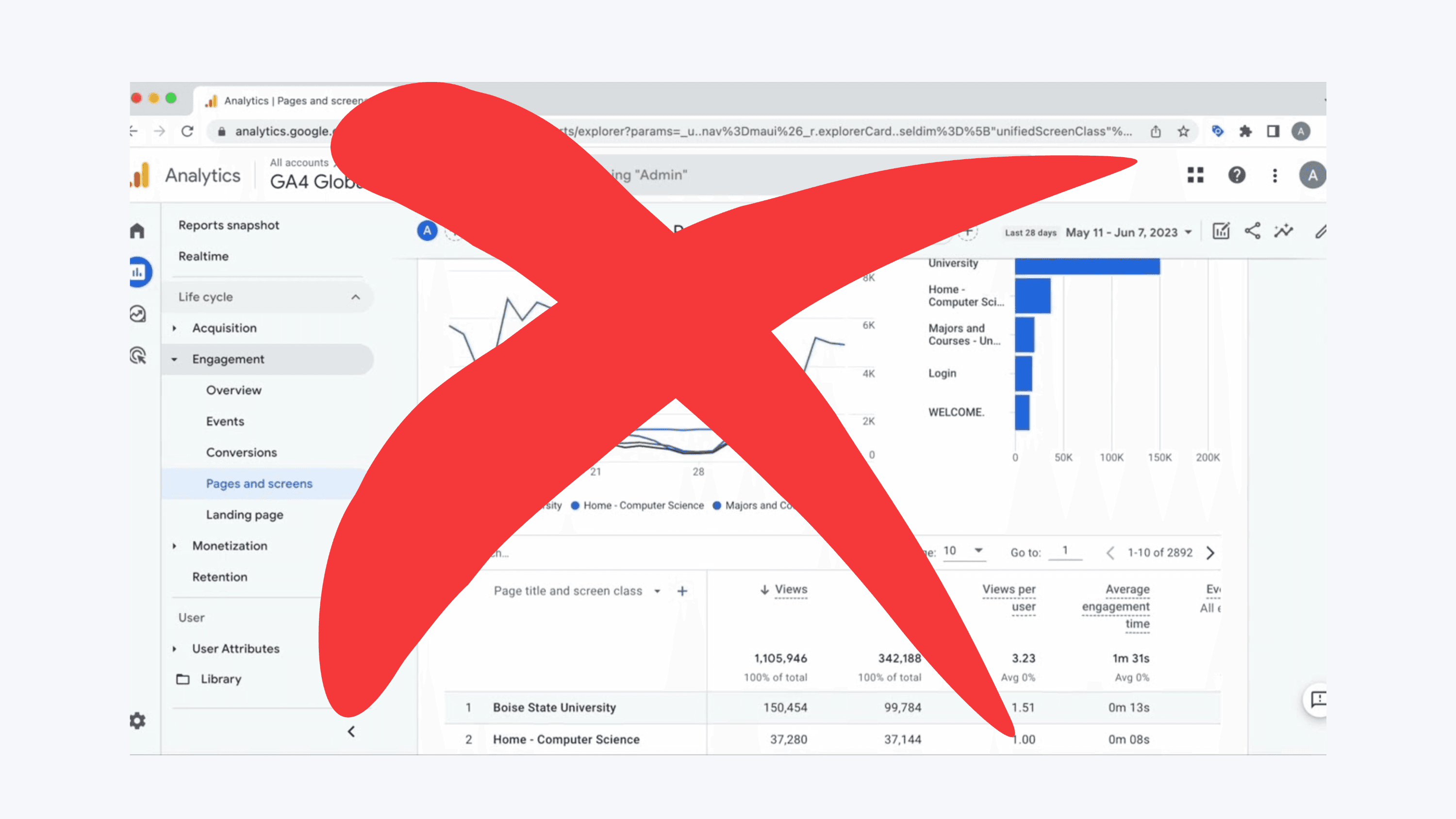
Problem #1: GA4 Is Confusing by Design
GA4 forces you to think like a data engineer:
Events instead of page views
Parameters instead of simple metrics
Custom event mapping
Multiple dashboard layers
Exploration reports
Filters, segments, scopes
For casual users, this creates analysis paralysis.
Even experienced marketers regularly say:
“I just can’t find what I’m looking for.”
If you're spending more time figuring out analytics than using it, the tool is failing you.
Problem #2: It Tracks Much More Than You Need
GA4 is built to track:
user IDs
device signals
engagement scores
scroll depth
demographics
cross-device behavior
predictive churn models
But most websites only need:
visits
top pages
referrers
campaign performance
a few conversions
Everything else is noise.
Problem #3: GA4 Is Not GDPR-Friendly By Default
You need to configure:
consent banners
IP anonymization
data retention rules
region-based settings
cookie modes
data-sharing controls
Even after that, regulators in some regions still consider GA4 questionable.
Privacy-first alternatives avoid all of these headaches by:
tracking without cookies
storing no personal data
being GDPR-compliant out of the box
No legal risk. No popups. No configuration.
Problem #4: GA4 Slows Down Your Website
The GA4 script is:
heavier
more complex
slower to load
For speed-focused sites (Framer, Webflow, Next.js, Notion, blogs), this matters.
Lightweight analytics scripts are often 15–20x smaller.
Problem #5: GA4 Requires “Learning” Instead of Just Showing You Data
To use GA4 effectively, you need to:
watch tutorials
read documentation
search YouTube
take a course
learn the new event model
For most people, analytics should be:
instant
obvious
easy
If you need a course to find your traffic sources, the tool is too complex.
So… What Do Most Websites Actually Need?
Here are the core analytics every website should have:
1. Traffic
Total views
Unique visitors
Real-time view (optional)
2. Top Pages
What people care about most.
3. Traffic Sources
Social
Direct
Search
Referral
Campaigns (UTM)
4. Conversions / Goals
Just 2–4 meaningful actions, not 40.
This covers 95% of what most websites need.
No machine learning.
No custom schemas.
No multiple dashboards.
Just clarity.
The Rise of Lightweight, Privacy-First Analytics (2026 Trend)
Because people are fed up with GA4, there’s been a surge in demand for:
simple analytics
transparent dashboards
no cookies
no consent banners
real-time tracking
clear traffic insights
fast page-load performance
Tools focused on clarity—not complexity—are winning.
Why?
Because they solve the real problem:
“I just want to understand what’s happening on my website.”
Who GA4 Is Good For
To be fair, GA4 still makes sense if you are:
an enterprise
tracking multi-touch attribution
running millions of events
analyzing cohorts
doing deep segmentation
integrating with BigQuery
operating large-scale ad funnels
But this is maybe 5% of websites online.
Who GA4 Is Not Good For (95% of the Internet)
Indie hackers
Small businesses
Blogs
Creators
Solopreneurs
Service providers
Non-profits
Landing page sites
SaaS pre-launch sites
Notion/Framer/Webflow sites
These users want something simple, fast, and privacy-friendly.
Conclusion: GA4 Isn’t Bad—It’s Just the Wrong Tool for Most People
GA4 isn’t a “bad” product.
It’s simply:
overbuilt
overwhelming
overengineered
…for the average website.
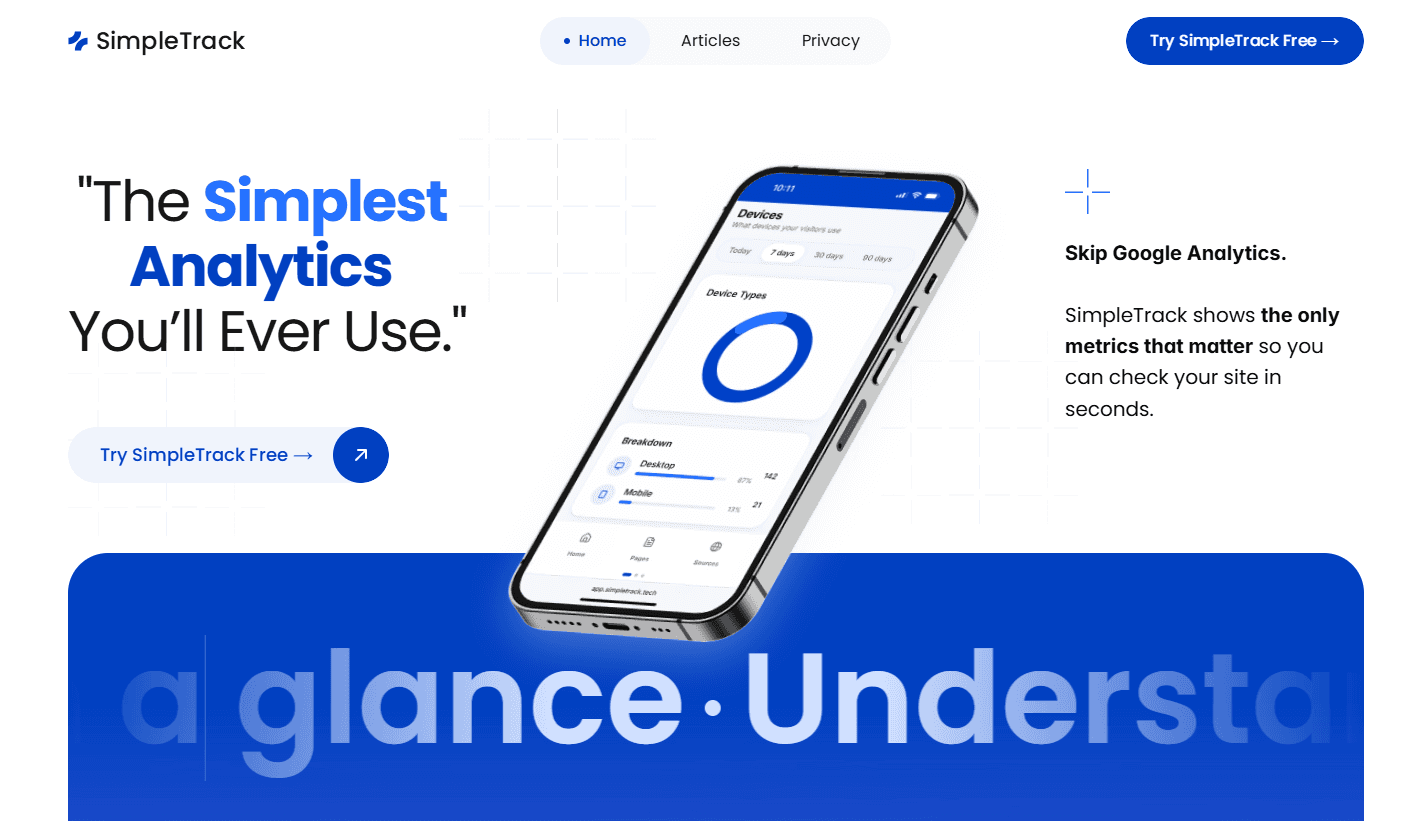
If you want a simpler, faster, privacy-first way to see what’s happening on your site, lightweight analytics tools (like SimpleTrack) give you the clarity GA4 never will.