Why Google Analytics 4 Is So Complicated in 2026 — And What to Use Instead

SimpleTrack Team
Analytics Experts

Apr 16, 2025
It’s been years since Google forced the migration from Universal Analytics to GA4, yet thousands of creators, marketers, and small business owners still struggle to understand GA4’s interface, terminology, and event-driven system. Even in 2026, many users report that GA4 feels overwhelming, unintuitive, and unnecessarily complicated for everyday website analytics. This article breaks down why GA4 feels so complex, who it’s actually built for, and which modern alternatives offer a cleaner, faster, and more focused experience—without the learning curve.
The Real Reason GA4 Feels “Too Complex”
GA4 wasn’t designed for bloggers or small websites. It was architected for:
enterprise-scale data teams
multi-step user journeys
product-level event tracking
cross-platform attribution
big-data modeling and machine learning
For someone who just wants to see “Who visited my site? Where did they come from?”—GA4 feels like landing in the cockpit of an airplane.
Top Reasons Users Still Struggle With GA4 in 2026
1. Event-Driven Tracking Is Hard to Understand
GA4 tracks everything as an event—clicks, views, sessions, scrolls, conversions.
For non-technical users, this feels confusing and abstract.
2. The Interface Buries Basic Metrics
GA4 hides basic data (like page views or bounce rate) behind multiple layers of navigation.
Most users just want a simple dashboard showing top pages, sources, and traffic trends.
3. Reports Are Highly Customizable… but Hard to Build
Custom reports are powerful but require:
setting dimensions
choosing metrics
defining comparisons
configuring event parameters
For many users, it’s simply too much work.
4. GA4 Violates Expectations From Universal Analytics
People expected GA4 to be “UA but better.”
Instead, GA4 is an entirely different analytics philosophy.
The transition created massive frustration and confusion.
5. GDPR & Privacy Requirements Are a Headache
GA4 requires cookie banners in most regions.
This lowers conversion rates and adds friction to websites.
Simpler GA4 Alternatives for 2026
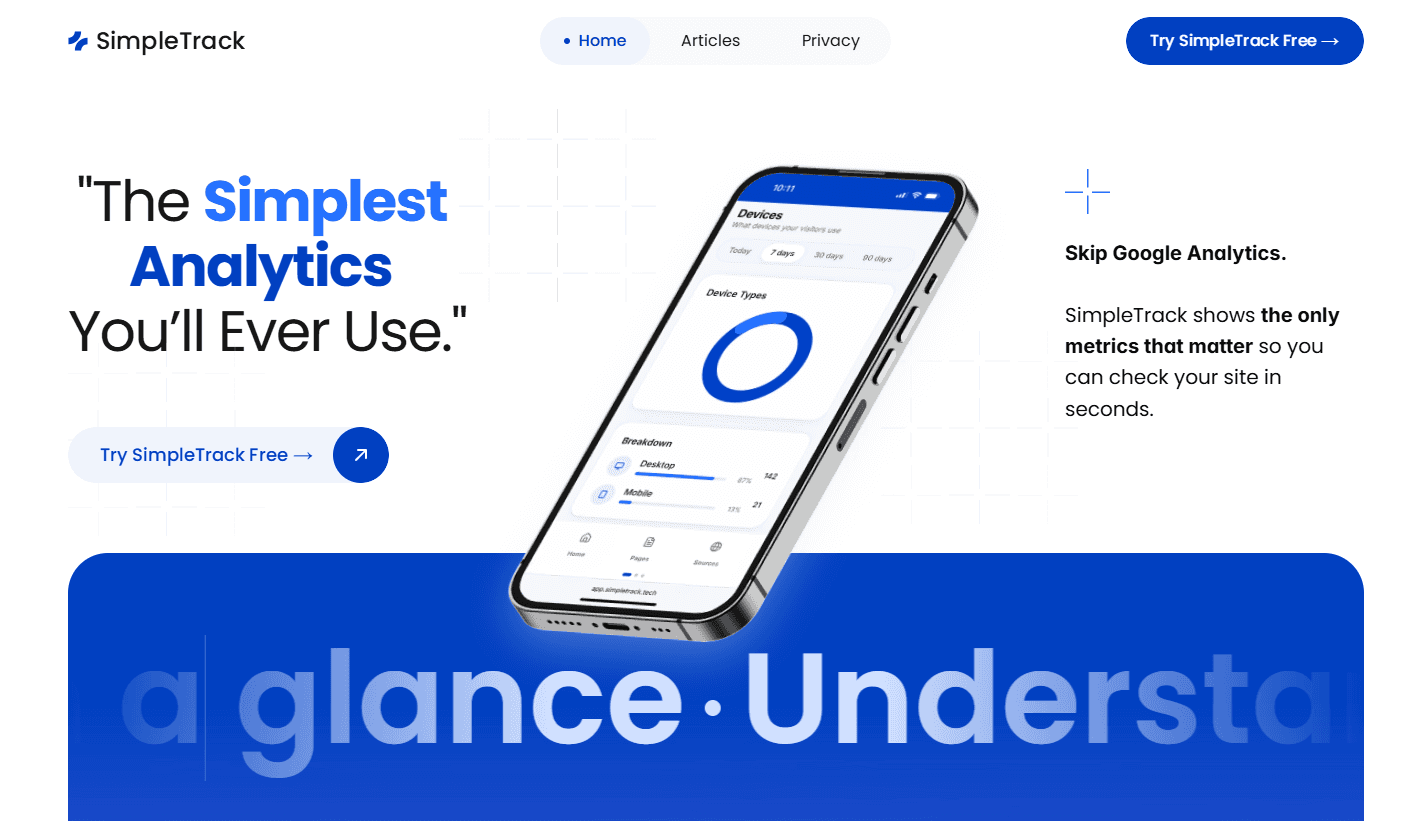
1. SimpleTrack — The Clean, Zero-Learning-Curve Alternative
SimpleTrack focuses on instant clarity:
Open dashboard → instantly see your site activity
No customization needed
GDPR-compliant with no cookie banners
Lightweight script for fast loading
Perfect for creators, startups, marketers, and non-technical users.
2. Plausible
A minimalist, privacy-focused analytics tool with a strong community.
Great for simple tracking and clean reports.
3. Fathom Analytics
Known for speed, reliability, and a clean UI.
Strong for sites that want fast-loading dashboards.
4. Umami Analytics
Fully open-source, ideal for developers comfortable with self-hosting.
5. PostHog
Powerful but complex—best if you're building a full product analytics stack, not just a website dashboard.
Which Should You Choose?
If GA4 overwhelms you or you simply don’t need enterprise-level complexity, your best bet is choosing a tool built around clarity and ease.
For creators and small businesses → SimpleTrack
For privacy-first teams → Plausible
For developers → Umami
For product analytics → PostHog
Final Thoughts
GA4 is a brilliant tool—for the right audience. But for most website owners in 2026, it’s simply too complicated, too cluttered, and too heavy-handed for everyday use. Thankfully, simple and privacy-friendly alternatives now exist that give you the data you actually care about, without the confusion.